The AI That Turns Long Videos Into TikTok Clips: How the Good Ones Actually Work
Behind the highlight reels and auto-captions lies a specific pipeline, and knowing its parts is the only way to judge whether a tool's output is actually usable.
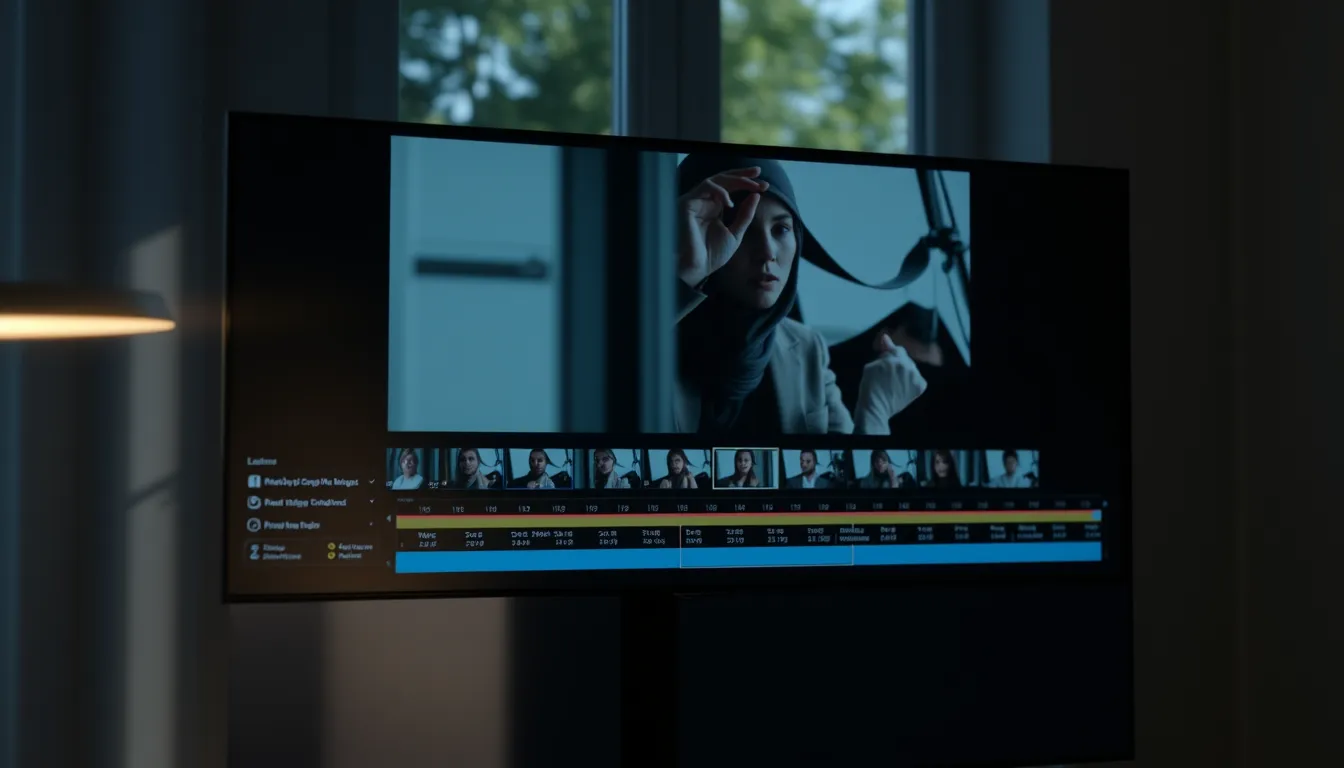
A webinar recording sits untouched on a hard drive because nobody has three hours to comb through it for the one good minute. That scenario is exactly what a new category of AI tools promises to fix: feed in a long video, a podcast, a livestream, a keynote, and get back a stack of short, captioned, vertical clips ready for TikTok, Reels, or Shorts. The pitch is simple. The engineering underneath is not, and understanding it is what separates a tool that saves real editing time from one that just produces plausible-looking demos.
What "video-to-clips AI" actually does
Strip away the marketing and the pipeline has three distinct jobs, each with its own failure modes.
Highlight detection is the first and hardest problem. The system has to decide which thirty seconds of a ninety-minute recording are worth extracting. Under the hood, this usually combines a transcript (via speech-to-text) with signals like pacing, emphasis, laughter, audience reaction, or semantic density, moments where a speaker makes a self-contained point rather than a fragment that only makes sense in context. This is also where tools diverge most: a naive detector picks up loud or fast-talking sections; a better one tracks whether a clip has a beginning, a middle, and a punchline on its own.
Captioning is the more mechanical layer, but it is not trivial either. Auto-generated captions need to be timed to speech, styled for readability on a small vertical screen, and, increasingly, resilient to accents, cross-talk, and background noise. Caption quality is one of the easiest things for a reader to check without any technical knowledge: bad word-level timing or garbled transcription is visible in seconds.
Aspect ratio and reframing is the layer people notice last but that ruins output fastest. A source video shot in 16:9 landscape has to become a 9:16 vertical clip. That requires either cropping intelligently around whoever is speaking (ideally with some form of face or motion tracking so the subject doesn't drift out of frame) or adding letterboxing that just wastes screen space. A tool that centers a static crop regardless of who's talking will produce clips where half the frame is empty wall.
Why the demo isn't the test
Vendor demos are, understandably, built from clean footage: good lighting, a single speaker, a quiet room. That is not most people's raw material. A fair evaluation means testing against the footage that's actually sitting on someone's drive, a two-camera podcast, a Zoom call with echo, a conference talk with slides changing off to the side. Reasonable questions to ask about any tool in this category:
- Does highlight detection surface a complete thought, or does it cut off mid-sentence?
- Are captions timed to spoken words, or do they drift and lag?
- Does reframing follow the speaker, or does it apply the same static crop to every clip regardless of who's on screen?
- Can the brand's tone or terminology be set once, or does every clip need manual cleanup afterward?
- Does the output stay usable when there are two speakers instead of one, or background noise instead of a quiet studio?
None of this is measured by a single "wow" clip in a launch video. It shows up over a batch of ordinary, imperfect source material.
Where clip generation fits into the wider AI content landscape
Video-to-clips is one branch of a broader trend: AI tools that generate social content from a starting input rather than a blank prompt. Design tools like Canva have built AI features into their existing editing suites, aimed at people who want speed inside a familiar interface. Scheduling and management platforms like Buffer and Hootsuite have added AI drafting to their publishing workflows, useful for teams that already plan content in those dashboards. Dedicated clipping tools such as Opus Clip focus specifically on the highlight-detection-and-reframing problem described above. Descript approaches video from the editing side, letting people cut footage by editing a transcript. Jasper, for its part, is built around AI copywriting more broadly rather than video specifically.
Archie by Agorapulse sits in this landscape as a content studio built around the idea of starting from a real source rather than an empty prompt. Its text flow takes an existing document, article, webinar, or recording, extracts the ideas actually present in it, and proposes editorial angles and drafts tailored to different social accounts. Its Auto Clips feature applies the same starting-from-source logic to video: a long recording is uploaded, Archie by Agorapulse detects the highlight moments, and produces short clips with captions already applied. A Playbook feature is designed to learn a brand's voice and carry that style into what the tool generates, and Archie also generates images. Because it is built by Agorapulse, an established name in social media management, it arrives with an existing ecosystem around scheduling and reporting rather than as a standalone experiment. Details and access are at archie.app.
That "start from a real source" principle is worth defending on its own merits, independent of any specific tool: content generated from something that actually happened, a real conversation, a real talk, a real document, tends to hold up better than content generated from a prompt alone, if only because the source material supplies specifics a blank generation has to invent.
The honest takeaway
No tool in this category should be judged on its best clip. It should be judged on whether highlight detection finds complete ideas in messy footage, whether captions are accurate without cleanup, and whether reframing actually follows the person talking. Those three checks, applied to ordinary source material rather than polished demo reels, tell you more than any feature list.
FAQ
What does AI that turns long videos into short clips for TikTok actually do? It processes a long recording through three stages, detecting which moments are worth extracting, generating timed captions, and reframing the footage into a vertical format, to produce short, ready-to-post clips.
Can these tools work with any source video? They generally work best with clear audio and a legible speaker, but quality varies with real-world conditions like multiple speakers, background noise, or handheld camera work, which is exactly why testing on ordinary footage matters more than watching a polished demo.
Do I still need to edit the clips afterward? Often yes, at least for fine-tuning: checking caption accuracy, trimming a clip's edges, or adjusting a crop are common cleanup steps even with strong highlight detection.
Is starting from a real video better than generating a post from scratch? As a general principle, content built from an actual source, a recording, article, or document, tends to carry more specific, credible detail than content generated purely from a prompt, since the source supplies material a blank generation would otherwise have to invent.
More stories
Arriving Alone in Paris: A Calmer Airport Pickup for Solo Travelers
For solo travelers landing in Paris, the real jet lag often starts at the arrivals hall, here's how to make that first hour predictable instead of stressful.
Aus einem Podcast LinkedIn-Beiträge machen: so funktioniert KI-Repurposing
Wie KI-Tools eine Podcast-Episode in redaktionell brauchbare LinkedIn-Posts verwandeln – und wo die Grenzen dieses Verfahrens liegen.
The Swipe Essay: How AI Carousel Generators Are Rewiring Instagram Storytelling
A good carousel is a small argument with a beginning, middle and end, and a new generation of AI tools wants to help you build one without losing the thread.