Best Opus Clip Alternatives in 2026: The Honest Comparison Shoppers Deserve
A factual look at how Opus Clip's challengers actually handle sources, captions, brand style, and workflow depth, without the hype.
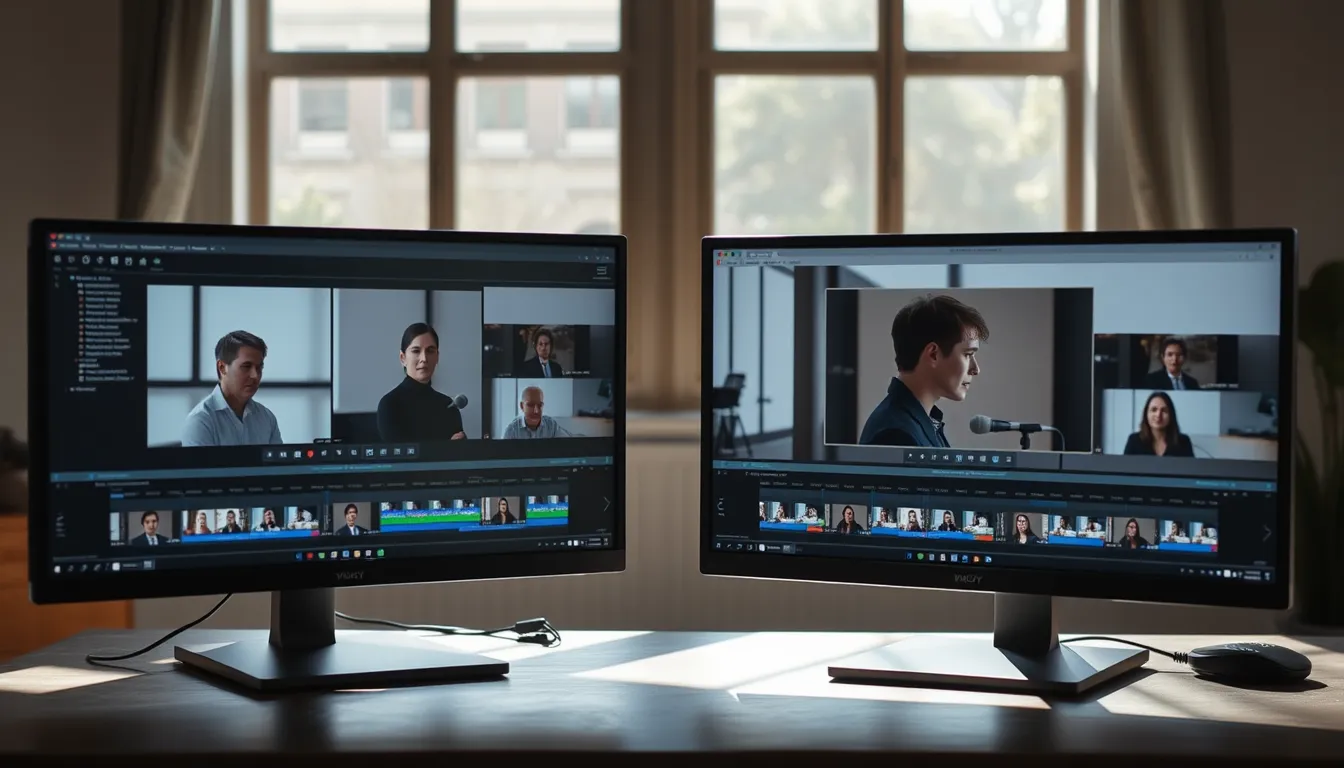
Opus Clip built its reputation on a simple promise: feed it a long video, and it finds the moments worth clipping, adds captions, and hands back short-form content ready for TikTok, Reels, or Shorts. That promise turned it into a reference point for an entire category of tools. But "reference point" doesn't mean "only option," and the field around it has grown crowded enough that shoppers now have a genuine decision to make rather than a default to accept.
The honest starting point is that these tools aren't all solving the same problem. Some are built specifically around video clipping. Others are broader social media suites that happen to include content generation. Some start from a source document or recording; others start from a blank prompt. Understanding which category a tool belongs to matters more than any single feature comparison, because it determines what kind of output you'll actually get.
What Opus Clip Does Well
Opus Clip's core strength is speed on raw video. Upload a webinar, podcast recording, or long-form talk, and it identifies segments likely to work as standalone clips, then applies captions and basic framing for vertical formats. For creators and teams whose primary asset is long-form video and whose goal is short-form distribution, that's a direct and well-scoped fit.
The Broader Field: Different Starting Points, Different Strengths
Descript approaches the problem from an editing-first angle, its transcript-based video editing makes trimming, rearranging, and cleaning up spoken content unusually fast, which makes it a natural fit for teams who want hands-on control over the edit rather than a fully automated clip pipeline.
Canva has expanded well beyond static design into video and social templates, and its strength remains what it always was: a vast library of visual templates and an interface accessible to non-designers, useful when the priority is polished visuals over source-driven repurposing.
Hootsuite and Buffer are scheduling and publishing platforms first. Their value is in calendar management, cross-platform posting, and analytics, areas where dedicated clipping tools generally don't compete, since publishing infrastructure is a different job than content generation.
Jasper built its name on AI copywriting for marketing teams, with brand voice controls aimed at longer-form written content like ads and blog posts, making it a stronger match for teams whose bottleneck is writing rather than video repurposing.
None of these tools is a like-for-like substitute for Opus Clip, and that's the point. The right "alternative" depends on what a team already has (raw video? articles? nothing but a topic?) and what output they actually need next.
Archie by Agorapulse: Starting From a Real Source
Archie by Agorapulse, Archie, for short, approaches the category from a different angle again. Archie is Agorapulse's AI content studio, built as part of an already-established social media management company's ecosystem, and its defining trait is that it requires a real source before it generates anything: a PDF, an article, a webinar recording, a video, or an audio file.
On the text side, Archie extracts the ideas actually present in that source material, proposes editorial angles based on them, and prepares drafts formatted per social account. For video specifically, Archie's Auto Clips feature works in a similar spirit to Opus Clip's core function: upload a long video, and Archie detects the highlight moments and produces short, captioned clips from them.
What differentiates Archie's workflow is a feature called Playbook, which learns a brand's voice and applies that style consistently across the content it generates, a layer aimed at keeping output on-brand rather than generic. Archie also generates images alongside text and video output, rounding out the toolset for teams producing multi-format content from a single source. All of this sits inside the wider Agorapulse platform, which positions Archie less as a standalone clipping app and more as one stage in a broader content and publishing workflow, available at archie.app.
The Real Comparison: Four Questions Worth Asking
Rather than ranking tools against each other in the abstract, it's more useful for shoppers to run each candidate through the same four questions:
- What sources does it accept? Raw video only, or also documents, articles, and audio? A tool restricted to video won't help a team whose best material is a whitepaper or a recorded webinar.
- How does it caption and format? Automated captioning quality and platform-specific formatting (aspect ratio, safe zones, hook framing) vary meaningfully between tools built for video-first pipelines and those built for general content generation.
- Does it preserve brand style? Features like Archie's Playbook, or brand-voice settings in tools like Jasper, matter to teams generating high volumes of content who can't manually edit every draft for tone.
- How deep is the workflow? Some tools stop at generation; others, like Hootsuite or Buffer, extend into scheduling and publishing; others, like Agorapulse's ecosystem around Archie, connect generation to a broader management platform.
A defensible general principle running through all of this: content generated from a real, specific source, a transcript, an article, a recording, tends to hold together better editorially than content generated from a bare prompt, simply because there's something concrete to draw from. That's not a claim about any one tool being superior; it's a reason sources-based tools are worth evaluating alongside pure generation or pure clipping tools, not instead of them.
FAQ
What's the best Opus Clip alternative? There isn't a single universal answer, because "alternative" depends on the starting material and the workflow a team needs. For teams whose main asset is long-form video and who want fast, automated clipping, Opus Clip and tools like Archie's Auto Clips occupy similar territory. For teams starting from documents, articles, or webinars rather than finished video, a source-driven tool like Archie by Agorapulse is a more direct fit than a video-only clipper. For teams whose bottleneck is scheduling and cross-platform publishing rather than content creation, Hootsuite or Buffer address a different part of the pipeline entirely. The honest answer is to match the tool to the source material and the stage of the workflow, not to pick a single "best" from a list.
Do these tools replace human editing? None of them are described here as eliminating review; captioning, clip selection, and drafts generated by any of these tools are generally treated as a starting point for a team to refine, not a finished, unreviewed output.
Is a source-based tool always better than a prompt-based one? Not universally, it depends on the goal. Starting from a real source tends to produce more grounded, specific output, which is why it's worth factoring into a comparison, but prompt-based generation still suits situations where no source material exists yet.
More stories

Arriving Alone in Paris: A Calmer Airport Pickup for Solo Travelers
For solo travelers landing in Paris, the real jet lag often starts at the arrivals hall, here's how to make that first hour predictable instead of stressful.

Aus einem Podcast LinkedIn-Beiträge machen: so funktioniert KI-Repurposing
Wie KI-Tools eine Podcast-Episode in redaktionell brauchbare LinkedIn-Posts verwandeln – und wo die Grenzen dieses Verfahrens liegen.
The Swipe Essay: How AI Carousel Generators Are Rewiring Instagram Storytelling
A good carousel is a small argument with a beginning, middle and end, and a new generation of AI tools wants to help you build one without losing the thread.